
Published: December 15, 2025
Double Helix Security Practice
TL;DR
- React2Shell (CVE-2025-55182) is highest-severity risk for systems in scope: unauthenticated remote code execution National Vulnerability Datbase (NVD)
- Exploitation can lead to a full reverse shell on your application server, and most follow-on actions may not show up in application logs Google Cloud
- Coverage has been sensational, but the affected surface area is narrower than many headlines suggest React Dev Article
- If you’re affected: patch immediately, keep Content Distribution Networks / Web Application Firewalls (CDN/WAF) protections enabled, and rotate secrets
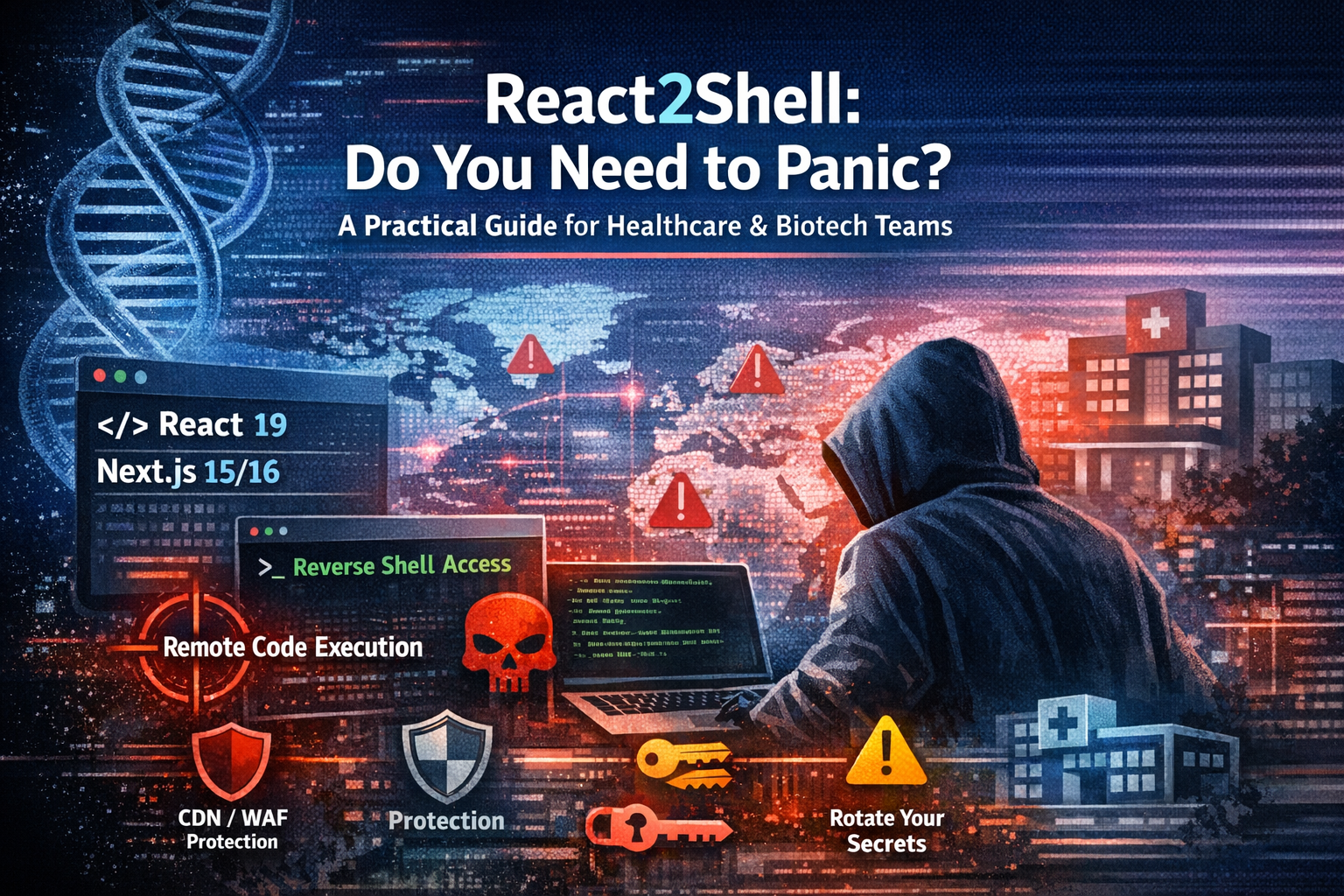
React2Shell has been described as everything from “maximum severity” to “internet-wide emergency.” In healthcare and biotech—where regulated data, uptime, and auditability matter—those headlines naturally trigger concern.
Here’s the accurate framing:
- Severity: as high as it gets for systems in scope (unauthenticated server-side RCE)
- Scope: narrower and more specific than many reports imply (not “all React apps”)
- Urgency: patching impacted systems must be completed with critical priority as this vulnerability is being actively exploited
This post provides thoughtful guidance, so you can assess real exposure and respond with appropriate urgency using calm, systematic, timely, and correct steps.
Wait — Am I Actually Affected?
This is the first question. For many teams the answer is no—but you should verify.
You’re NOT affected if:
- You’re using React 18 or earlier
React2Shell is tied to React 19’s Server Components ecosystem and affected RSC packages. - You run a client-side-only React app (SPA)
Traditional SPAs executed entirely in the browser don’t execute the vulnerable server-side RSC request handling. - You’re using Next.js with the Pages Router
The highest-risk exposure is associated with App Router / RSC implementations in common guidance. - Your app doesn’t use server-side rendering / RSC at all
Static sites and purely client-rendered deployments don’t hit the vulnerable code path.
You ARE affected if:
Treat this as high priority if any apply:
- Next.js 15.x or 16.x using the App Router
This is the most common exposure pattern described by vendors and researchers. - React 19 Server Components in any framework
Any RSC “Flight” protocol implementation can be in scope depending on configuration. - A new Next.js project created recently with default settings
Default configurations have been widely reported as vulnerable in affected release lines. - Read more at wiz.io blog
Quick Checks for Next.js Applications
To confirm what you’re running:
- Check your
package.jsonfor the"next"version - In the browser console for a running Next.js app:
next.version - Run the automated fix tool in read-only mode:
npx fix-react2shell-next --dry-run
What’s the Actual Risk?
For affected systems, this is highest-severity because it enables unauthenticated remote code execution via a single crafted HTTP request.
In real-world exploitation, the practical outcome often looks like:
- One malicious request hits the vulnerable RSC/server function handling path
- The attacker obtains command execution in the server process context Google Cloud Article
- They frequently establish a reverse shell (interactive remote control)
Why “reverse shell” matters (and why your app logs can look “fine”)
Once a reverse shell is established, the attacker is no longer “using your web app.” They are operating directly on the server. That has two important implications:
- Actions are not tied to normal HTTP request handling, so most follow-on activity will not appear in application logs (your request logs can look deceptively normal).
- You must rely on host telemetry (EDR), container/runtime logs, cloud audit logs, and network egress monitoring to understand what happened.
What attackers can do after they land
With shell-level access, attackers can:
- Steal secrets (env vars, DB creds, API keys, JWT secrets)
- Access sensitive data your service can reach (patient data, research IP, internal APIs)
- Move laterally inside your network
- Persist (backdoors, scheduled tasks, malware, crypto miners)
Active exploitation has been reported by multiple threat intelligence sources.
CDN/WAF Protections Help — But They Don’t Eliminate Risk
Many teams have some breathing room because major Content Distribution Networks / Web Application Firewalls (CDN/WAF) deployed virtual patches quickly.
That helps reduce exposure to known exploit patterns—especially for opportunistic mass scanning.
Important: CDN/WAF rules are a compensating control, not a fix. Sophisticated attackers can bypass pattern-based defenses. You still must patch.
Cloudflare
Cloudflare reports automatic WAF protection for proxied traffic. The Cloudflare Blog
Vercel
Vercel published a dedicated bulletin and platform guidance. Vercel
Netlify
Netlify also published a dedicated bulletin and platform guidance. Netlify
(If you use other providers, check their advisories and ensure rules are enabled and logging is turned on.)
How to Patch
The remediation path is straightforward. For most projects, run:
npx fix-react2shell-next
This tool upgrades vulnerable dependencies based on the official advisories. GitHub
Then:
- run your test suite / smoke tests
- redeploy
- rotate secrets if you were exposed (next section)
Minimum Safe Versions
Follow the official vendor advisories for the minimum patched versions and updates, including follow-on issues discovered during review:
- React team advisory:
Critical Security Vulnerability in React Server Components - Next.js security update (Dec 11, 2025):
Next.js Security Update: December 11, 2025
After You Patch: Rotate Secrets
If a vulnerable deployment was reachable from the public internet, assume secrets may have been accessed. With server-side command execution, reading environment variables and configuration is trivial.
Rotate:
- DB credentials / connection strings
- API keys (Stripe, Twilio, etc.)
- JWT/session signing secrets
- Cloud credentials (AWS/GCP/Azure)
- Anything in
.env/ secret managers used by the runtime
This is often the difference between a contained incident and a slow-burn compromise.
What About Your Vendors?
For SaaS vendors (portals, LIMS, clinical trial platforms), ask:
- Are you using React Server Components or Next.js App Router?
- When were patched versions deployed?
- Did you investigate for signs of exploitation during the exposure window?
In regulated environments, you should request a written response for documentation.
Signs of Possible Compromise
If you were vulnerable, don’t rely only on app logs. Look across:
- Edge/CDN logs: anomalous POSTs to RSC/App Router endpoints
- Host/container telemetry: unexpected child processes, new services, cron jobs
- Network egress: unexpected outbound connections
- Cloud audit logs: unusual access patterns, metadata endpoint access (
169.254.169.254)
If you suspect exploitation: isolate, rotate credentials, and rebuild from known-good source—don’t “clean in place.”
Resources
- React2Shell (CVE record): CVE-2025-55182 (NVD)
- React Team Security Advisory: Critical Security Vulnerability in React Server Components
- Next.js Security Update (Dec 11, 2025): Next.js Security Update: December 11, 2025
- Vercel Security Bulletin: React2Shell Security Bulletin
- Automated Fix Tool (GitHub): vercel-labs/fix-react2shell-next
- Vulnerability Scanner: assetnote/react2shell-scanner
Security note: Be cautious with “scanner” repos circulating on social media—at least one alleged React2Shell scanner campaign has been reported as malware. Vet tools before running them in production environments. Hackread
Need help assessing exposure or responding to a potential incident?
Double Helix provides security advisory and incident response support for healthcare and life sciences organizations.
Get in touch: https://double-helix.com
